

Build it. Extend it. Understand it.
Describe what your business needs and Ninox AI builds working software with real tables, logic and pages. Then keep extending it, ask it about your data and change anything yourself, any time.
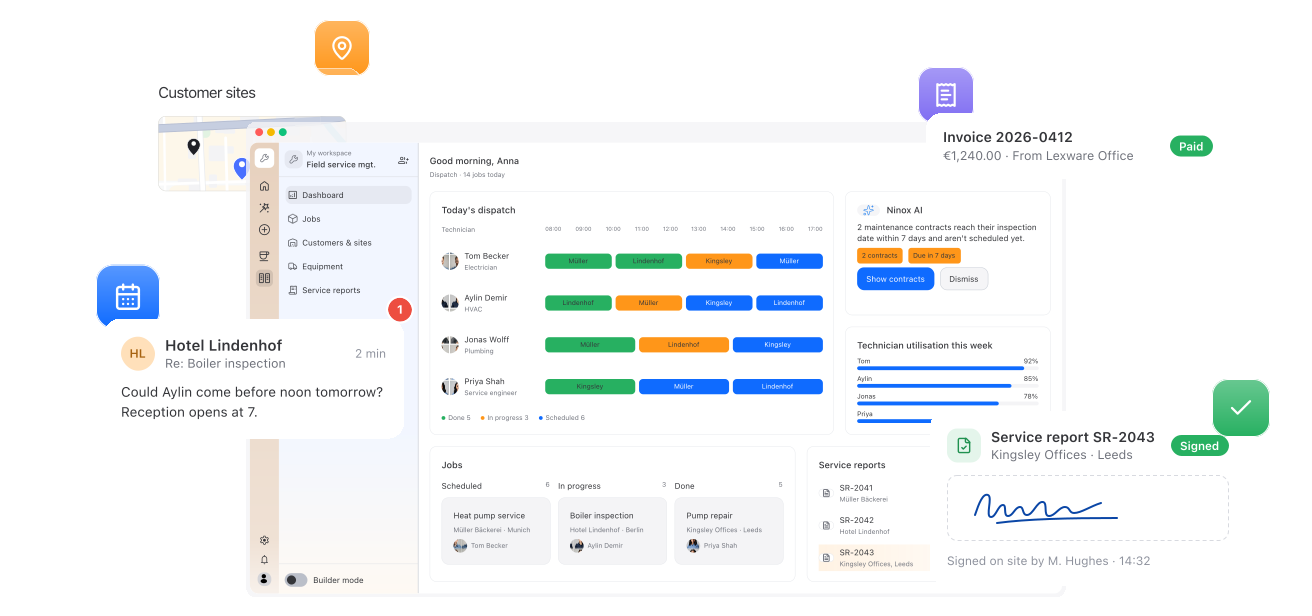
Ninox AI stays after the first build
Most AI generators hand you a result and leave. Ninox AI works inside the platform, so every table, page and script it creates stays yours to open, change and grow.
Build it
Describe what you need in plain language. Ninox AI creates your data model, logic and pages together in one pass, so you start with working software instead of a blank screen.
- A project tracker that follows tasks from kickoff to delivery
- A CRM that keeps every contact, deal and follow-up in one place
- An inventory tracker with stock levels, reorder points and suppliers


Extend it
Add tables, dashboards and logic to the software you already run, without leaving the conversation. In the script editor, Ninox AI helps you write, fix and understand every line.


- Add an approvals table so nothing moves forward without sign-off
- Put a dashboard of open deals by stage on top of your CRM
- Let a script call Ninox AI to sort incoming records and fill fields
Understand it
Ask about your live data in plain language and get the answer straight away. No formulas, no queries, no report to build first. Your admins decide whether Ninox AI may work with your records.

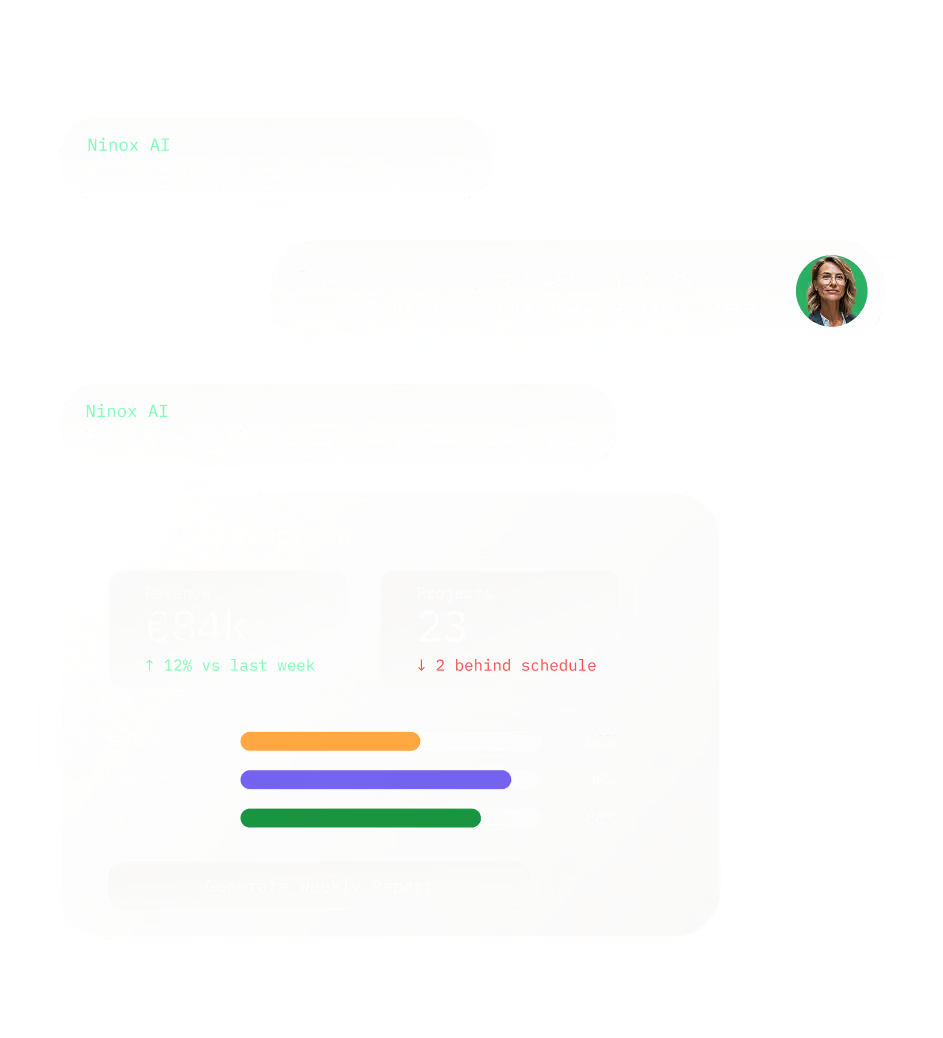
- "Which projects are overdue?"
- "Show me deals closing this month"
- "Which items are below reorder level?"
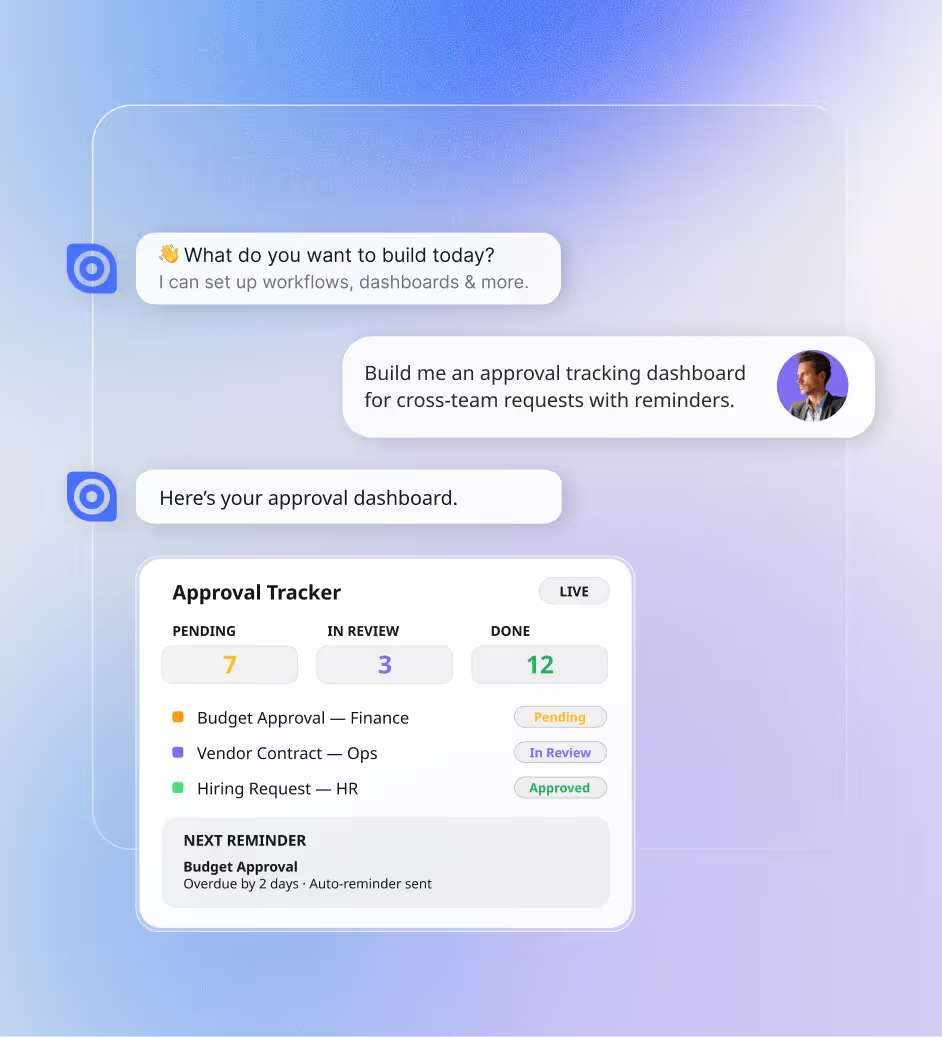



Ask for the change or make it yourself
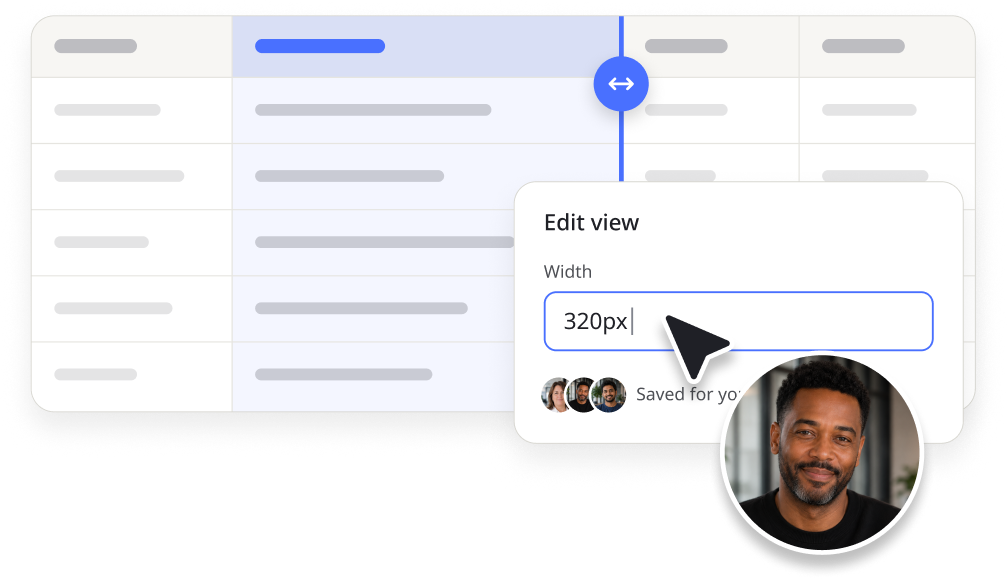
Whatever Ninox AI creates is regular Ninox software. Tell Ninox AI what to change, or adjust it by drag and drop or in Ninox Script. Switch between both whenever you like.
Ask Ninox AI
Describe the change in plain language, review what Ninox AI suggests and decide what goes in.
Adjust it yourself
Rename fields, move components or rewrite logic in the visual builder and Ninox Script.
Built for business teams and the IT behind them
Free
Start today on the free plan
No trial clock and no waiting for IT. Build your first software and keep it.
Fast
Working software in minutes
Your team builds what it needs itself, instead of filing a ticket.
Scalable
Up to 10M records per table
Your software grows with your business instead of hitting a ceiling.
Data model
Real relational data model
Ninox AI builds a proper data model with relationships and logic, not a flat spreadsheet.
Ninox Script
Full access to every script
Review every line Ninox AI wrote, get help in the script editor and call Ninox AI from your scripts with generateText().
Governance
Roles, API and AI provider
Ninox AI follows the same roles as your team. Add the REST API with scoped keys and connect your own AI provider.
Take Ninox AI further
Visual builder & scripting
Open what Ninox AI built and shape every detail yourself.


Documents
Create invoices, contracts and reports from the data you just built.
Your data is in safe hands
Your business data stays in Germany, hosted in certified data centers and protected by enterprise-grade security standards. Whether you run a small team or a large organization, Ninox keeps your data secure, available, and fully under your control.
- Encrypted at rest and in transit, at every step
- Role-based access control for every team member
- High availability with automated fail-over
- Regular backups and disaster recovery


Shaped by real teams, built for yours
Ninox was built in close collaboration with our community. Real teams, real feedback, real software. Here's what they say.

Team Lead Data Services & LCA at EPEA

CEO at VALERES Industriebau GmbH

CEO at Paula Pflege

CEO of Dogscan

Managing Director at PurpleSquare Hire

CEO at Westerwald Brauerei Hachenburg
Ready to work smarter?
Start for free and let our AI do the heavy lifting. Ninox builds workflows and solutions from scratch, designed around your team’s unique needs.