Every business runs on data. The question isn't whether you need a database, it's whether yours is holding you back or pushing you forward.
The bottom line upfront: local data storage is a bottleneck waiting to happen. Online databases give your team real-time access from anywhere, scale as you grow, and handle security without putting that burden on your IT team. If you're serious about digitizing your business, moving your database online isn't optional, it's the foundation everything else is built on. And with low-code platforms like Ninox, you can have it running in days, not months, without writing a single line of code.
What is an online database?
An online database is a centralized collection of information stored and accessed via the internet. Instead of living on a local device or server, your data lives in the cloud, reachable by anyone on your team, from anywhere, at any time.
Online databases can serve a wide range of business functions: storing customer and employee data, managing product inventories, tracking key metrics, or centralizing project information. The common thread is that everything is in one place, and everyone who needs it can get to it.
What types of databases are there?
Not all databases are built the same. The three most common types are hierarchical, relational, and non-relational.
A hierarchical database organizes information like a family tree, with parent and child relationships between data points. Query times are fast, but the rigid structure limits flexibility.
Relational databases (RDBMS) are the most widely used in business contexts. Built on SQL, they store data in structured tables and use foreign keys to link information across them. In practice, this means you can combine, say, employee records with time-tracking data to automate payroll, without rebuilding your data model from scratch.
Non-relational databases (NoSQL) take a more flexible approach. They're schema-independent, which makes them particularly useful for handling large volumes of mixed or semi-structured data.
Local data storage challenges
Local storage seems simple until it isn't. As your business grows and data volumes increase, local solutions hit their ceiling fast, leading to resource inefficiencies and slowdowns across the team.
Beyond scalability, local storage ties access to specific locations or devices. That's a direct drag on collaboration and mobility. And then there's security: protecting physical hardware from theft, disaster, or unauthorized access requires ongoing investment that most businesses can't sustain cost-effectively.
What are the benefits of an online database?
Moving your database online solves the problems local storage creates, and adds capabilities that weren't possible before.
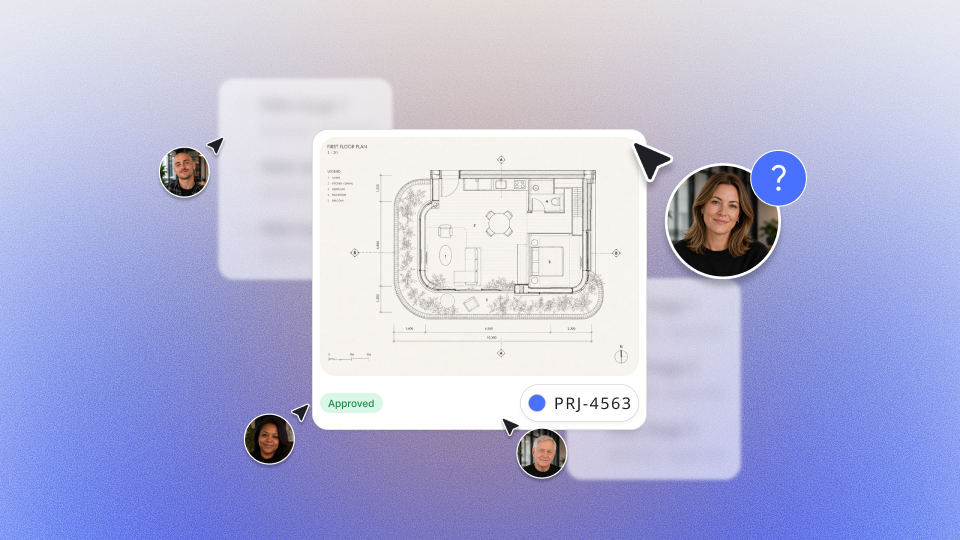
Your whole team works from the same data in real time, which means fewer version conflicts and faster decisions. Access isn't tied to a device or a location, so remote and mobile work becomes frictionless. Storage scales with your needs, so you're only paying for what you actually use. And because most online databases are delivered as SaaS, security, maintenance, and updates are handled by the provider, not your team.
For businesses without a dedicated IT department, that last point alone changes the equation entirely.
The most important functions of an online database
Three things separate a database your team will actually use from one that collects digital dust.
First, usability. An interface that requires a manual to navigate is an interface that slows people down. Intuitive design isn't a nice-to-have, it's what determines adoption.
Second, scalability. Your database needs to grow with your business, not become a bottleneck when you do. As new data flows in and old data gets archived, the system should adapt without friction.
Third, security. In an era of data theft and tightening compliance requirements, GDPR included, access controls and encryption aren't optional. Your data is in the cloud; who can reach it matters.
How to create an online database
The fastest path to your own online database is a low-code platform. You get the flexibility to build exactly what your business needs, without the cost or timeline of custom development, and without needing a developer in the room.
Step 1 - Start from scratch or import your data: In Ninox, add a table, configure your data fields, and start entering data. You can also import existing data directly via CSV to get up and running fast.
Step 2 - Filter, sort, and find your view: Once your data is in, sort and filter it to surface exactly what you need. Group related data points together, filter down to the specific rows and columns that matter for a given decision, and explore the view options to find what works best for your team.
Ninox supports table, form, chart, maps, Kanban, Gantt, and pivot views, so your database presents information the way your work actually flows.
Step 3 - Integrate it into your processes and invite your team: When your database is ready, invite teammates via email to collaborate in a shared workspace. Set access rights to control who can view or edit what, protecting data integrity while keeping collaboration open where it needs to be.
How Ninox helps you move faster
Ninox is built to be the operational center of your digitization process. Your team can work together from anywhere, with full GDPR compliance ensuring security isn't an afterthought.
Getting started is straightforward, describe what you need, and Ninox's AI-native builder helps you get there. Your database can be live faster than you'd expect. No developer required. No steep learning curve.
Online databases are the foundation of a digital business
Businesses that still rely on local storage or paper-based filing aren't just inefficient, they're falling behind. Online databases centralize your data, enable real-time collaboration, and give your team the flexibility to work the way modern businesses need to work.
The companies that move fast today are the ones building on the right foundation. An online database isn't just a tool, it's the infrastructure that makes everything else possible.