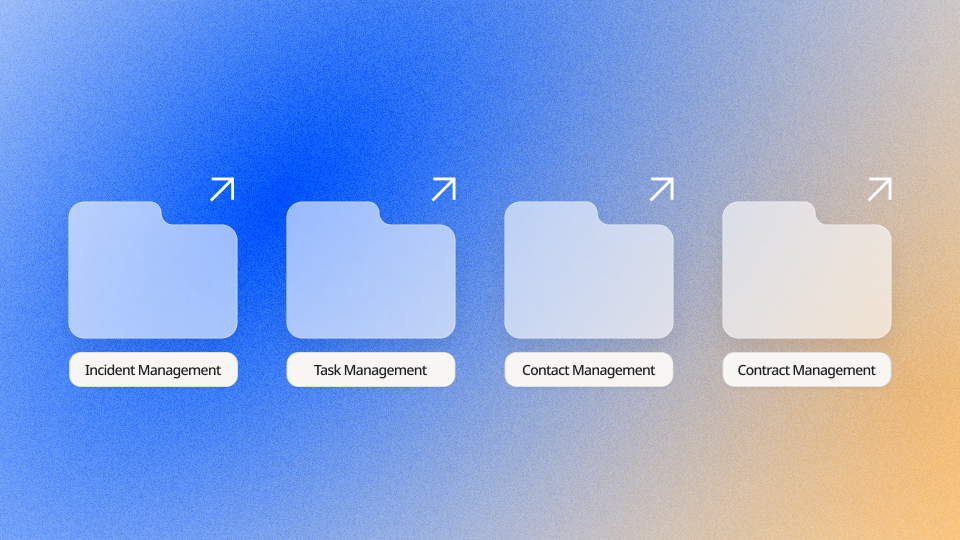
Ninox now offers eight ready-made templates for incidents, time tracking,contacts, inventory, fleets and expenses. Install one from the template gallery and your team has a working app on day one, filled with realistic sample data and ready to be reshaped around how you work.
Every template installs straight from the Ninox template gallery, where you can search and filter by category. Once it is in your workspace, Ninox can fill every table with realistic, linked sample records, so the app feels lived in from the first click. You see how the system works before you enter a single real record.
Several templates also come in a no-code version, built for teams who want to adapt the app without touching a line of script.
Contacts without the weight of a full CRM
Not every team needs an enterprise CRM to keep track of who they talk to.The Contact Management template is a simple address book for people and companies, with every contact pinned on a map and upcoming birthdays flagged so a personal touch never slips.
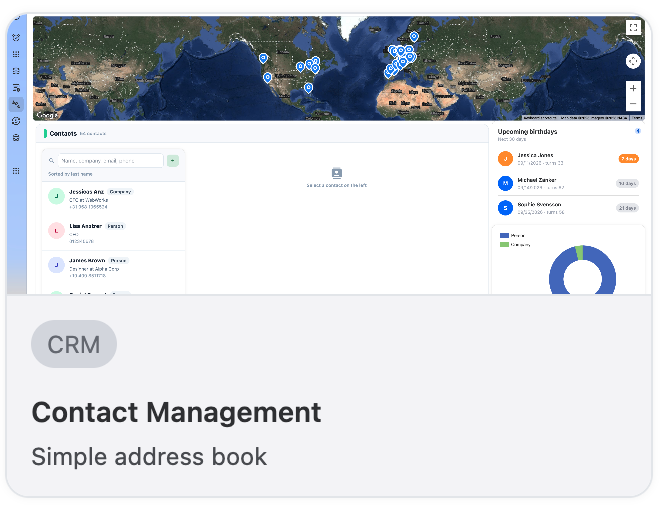
Get the Contact Management template
Want to log what happens with each contact too? The Contacts no-code version adds an activity log for calls, meetings and follow-ups, each with a subject and a due date, next to the map of where your contacts are.
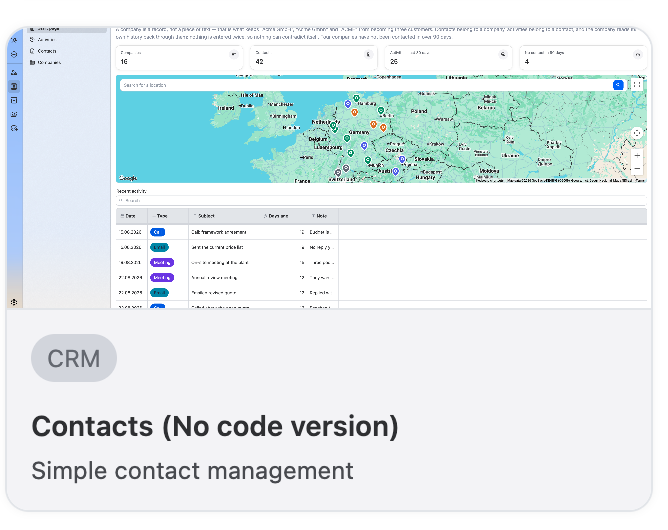
Get the Contacts template (no-code version)
Incidents with an owner from minute one
For teams that need to log, investigate and close out incidents, the Incident Management template gives every report a responsible person, a due date, a category and a priority. Each person opens a personal dashboard showing their assignments, what is urgent, what is in progress and what is resolved. Nothing sits in a binder or a forgotten spreadsheet tab waiting to be rediscovered after something goes wrong twice.
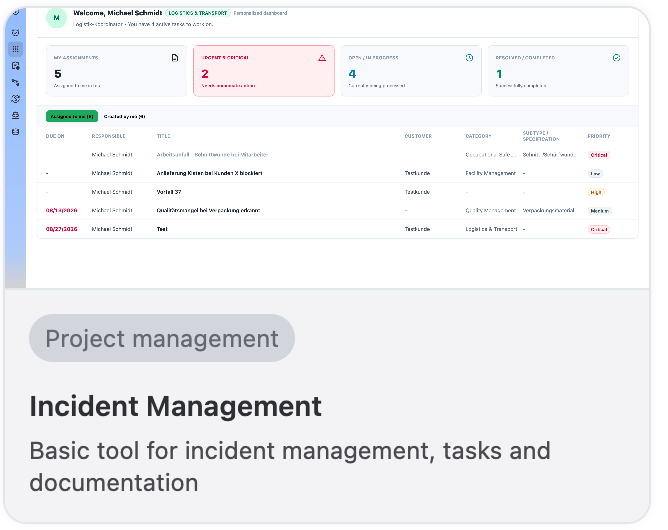
Get the Incident Management template
Know where the hours go
When hours live in one tool and projects in another, nobody can say where the week went. The Time Tracking template puts a running timer at the top of the screen and logs every entry against its project and activity. Today, the last seven days, this month and your billable hours sit side by side, so the numbers are there before anyone asks for them.
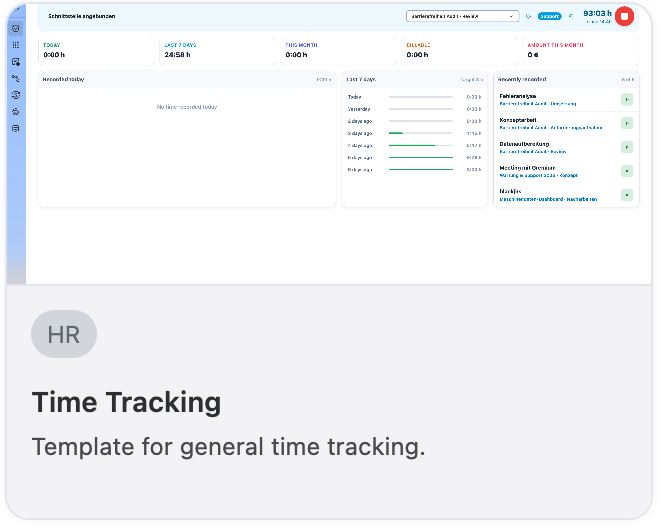
Get the Time Tracking template
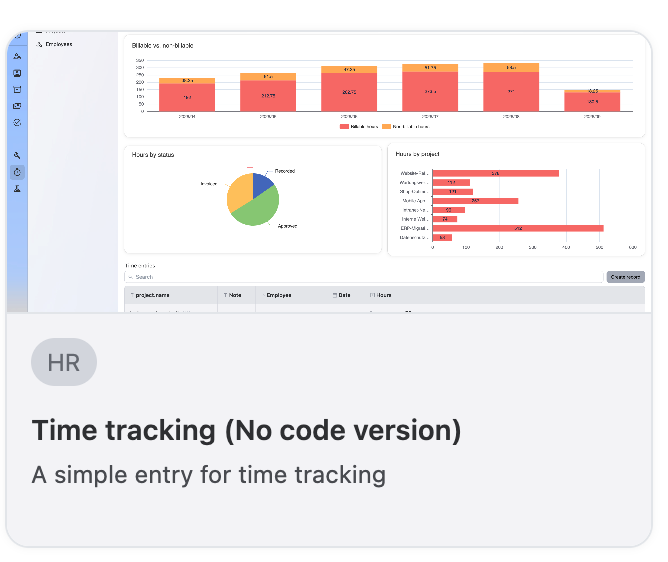
The Time tracking no-code version keeps entry simple and puts the analysis up front: billable against non-billable hours, hours by approval status and hours by project, all on one screen.
Get the Time tracking template (no-code version)
Equipment and vehicles you can find when you need them
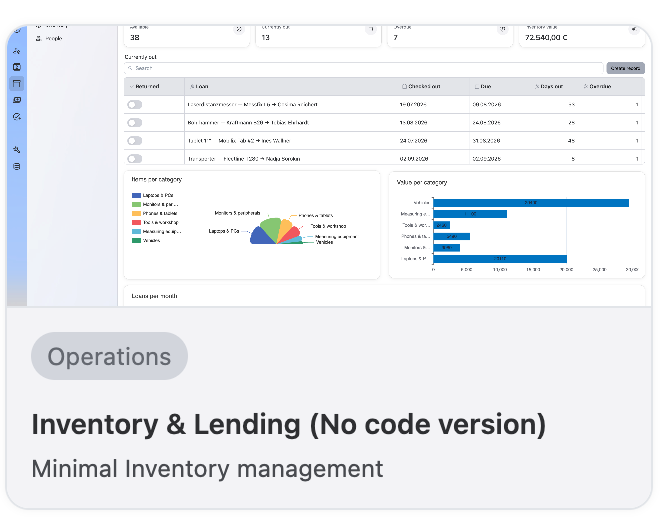
Laptops, tools and measuring gear have a way of disappearing into someone's desk drawer. The Inventory & Lending template tracks what is lent out, to whom, since when and whether it is overdue, with charts for items and value per category. The question "who has the projector?" gets answered in one click.
Get the Inventory & Lending template (no-code version)
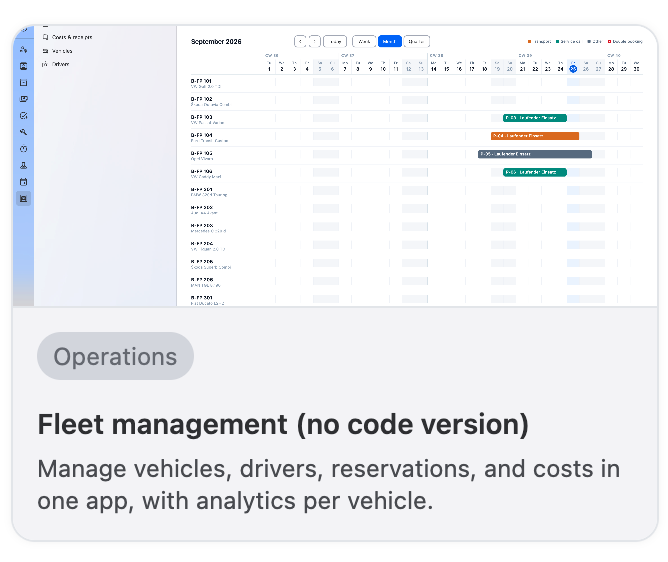
For teams running a fleet, the Fleet management template brings vehicles, drivers, reservations and costs into one app, with analytics per vehicle. A reservation calendar shows which car is booked on which day, so double bookings stop being a Monday morning surprise.
Get the Fleet management template (no-code version)
Expenses that stay on budget
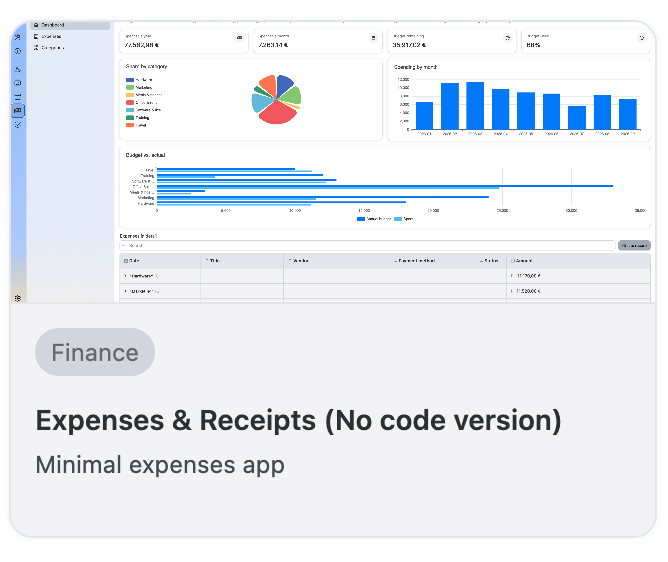
Receipts stuffed into envelopes and spreadsheets updated once a quarter make it hard to see spending until it is too late. The Expenses & Receipts template is a minimal expenses solution that shows spend by category, spending by month and budget against actual, with every expense listed in detail underneath.
Get the Expenses & Receipts template (no-code version)
Built to be a starting point, not thefinish line
None of these templates are meant to be the final word on how a team should work. Because they are built on Ninox, every field, view and automation can be reshaped to fit your process with the visual app builder, Ninox Script or the built-in AI. Want your incidents on a Kanban board or a project laid out on a Gantt timeline? Add the view. Need a field that only certain people can edit? Set a permission rule for it.
What installs as plug and play on day one can look completely different by week two, once your team has molded it around its own workflow. Off-the-shelf software has a way of forcing every team into the same rigid mold, which is exactly the problem these templates are meant to avoid. The goal is to make sure teams never have to start from zero just to get the basics working.